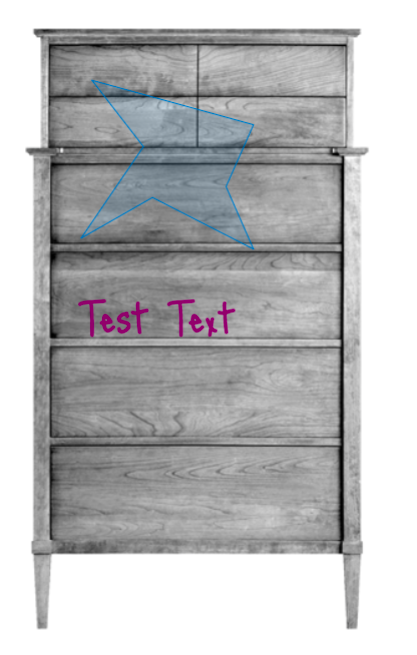
[vc_row height=”medium” color_scheme=”” us_bg_color=”” us_text_color=”” us_bg_image=”” us_bg_video=”0″][vc_column][vc_column_text css_animation=””]We added two types of image layers: Image and Text
As shown below, now you can type a text to appear inside the canvas.
First, create a new layer
After that, select the layer and fill in the information required
After typing the text, it will appear inside the image
We added a button for making easier the creation of the products. We added a clone button as in many cases products are similar.
And we fixed some bugs that were leading to app crashing.
[/vc_column_text][vc_column_text css_animation=””]
- We added two types of image layers: Image and Text
As shown below, now you can type a text to appear inside the canvas.
First, create a new layer
After that, select the layer and fill in the information required
After typing the text, it will appear inside the image
- We also added a button for making easier the creation of the products. We added a clone button as in many cases products are similar.
And we fixed some bugs that were leading to app crashes.
[/vc_column_text][/vc_column][/vc_row]
Leave a Reply